Is Zoomerang Safe
for My Child?
A TikTok-style video creation app popular with younger children. Marketed as a creative tool, but with social features, public posting, and minimal safety controls that most parents are not aware of.
demographic
You have probably noticed something
You do not need to check every box. One is enough to know this page is for you.
What Is Zoomerang and Why Do Kids Love It?
Zoomerang is a short-form video creation app — essentially TikTok with templates. Users film clips, add effects, and share publicly. It is rated 13+ on the App Store but actively markets to children as young as 8 through its “easy editing” features. With over 45 million downloads, it is the app your child uses when you have said no to TikTok.
Unlike TikTok, Zoomerang positions itself as a “creative tool” rather than a social network. This framing is misleading. It has public profiles, follower counts, comments, DMs, and an algorithmic feed — every feature that makes social media problematic for children. The difference is that Zoomerang has significantly less moderation infrastructure than TikTok, meaning harmful content and stranger contact can persist longer.
The app’s strength is its template system — pre-made video formats that guide children through creating content. This makes it genuinely fun and creative. But the social layer wrapped around that creative tool is where the risks sit.
Is Zoomerang Safe for Kids?
Zoomerang can be made reasonably safe with proper setup — but the default settings are not safe for children. Public posting, open DMs, and minimal content moderation are the real risks. The “creative app” branding makes parents less vigilant, which is itself a safety concern.
Public Posting by Default
Every video your child creates is visible to the entire internet unless you manually switch to a private account. Children often do not understand that “posting” means “visible to millions of strangers.”
Stranger Contact
With a public account, anyone can comment on your child’s videos and send direct messages. The moderation team is small compared to TikTok, meaning inappropriate contact can go undetected longer.
Algorithm-Driven Content
Like TikTok, Zoomerang uses an algorithmic feed that learns what keeps users scrolling. Children are exposed to content beyond what they search for — the algorithm decides, not them.
Minimal Built-In Controls
Unlike TikTok’s Family Pairing, Zoomerang has limited parental control features. Most safety measures need to be applied at the device level through Screen Time (iOS) or Digital Wellbeing (Android).
Why Can’t My Child Stop Using Zoomerang?
Zoomerang combines two powerful hooks: creation dopamine (the satisfaction of making something) and validation dopamine (likes, views, and comments). This combination is more compelling than passive scrolling because your child feels invested in the content. Former Google Design Ethicist Tristan Harris describes how tech companies use “addiction and manipulation” by design.
Creation Loop
The template system makes creating videos fast and rewarding. Each video takes 2-5 minutes — short enough to justify “just one more.” But the editing, re-filming, and perfecting cycle can consume hours.
Validation Loop
Once posted, children check obsessively for likes, views, and comments. Each notification triggers a dopamine hit. The variable nature of engagement (sometimes 10 views, sometimes 1,000) creates the same unpredictability that makes gambling addictive.
Social Comparison
Children compare their follower counts and video performance to peers. “She got 500 likes and I only got 20” creates anxiety and drives compulsive posting to “catch up.”
Trend Pressure
Zoomerang pushes trending templates and challenges. Missing a trend feels like social exclusion — the same FOMO mechanic that drives engagement on every social platform.
How Do I Set Up Zoomerang Safely?
Zoomerang has fewer built-in parental controls than TikTok, so you will need to combine in-app settings with device-level restrictions. The following steps take about 10 minutes and are the minimum for safe use.
Set Account to Private
Settings → Privacy → Private Account. This means only approved followers can see your child’s videos. This is the single most important setting to change before they use the app.
Disable Direct Messages
Turn off DMs from non-followers, or disable DMs entirely. Strangers should not be able to message your child directly under any circumstances.
Restrict Comments
Set comments to followers-only or disable them completely. Public comments on children’s videos are a significant risk — both for inappropriate contact and for the emotional impact of negative comments.
Set Device-Level Time Limits
Use Screen Time (iOS) or Digital Wellbeing (Android) to set daily limits for Zoomerang. Start with 30 minutes and adjust based on how your child handles transitions.
Review Posted Content Together
Sit with your child weekly and review what they have posted. This builds trust and ensures nothing inappropriate has been shared. Make it collaborative, not surveillance.
What Age Is Zoomerang Appropriate For?
Zoomerang is rated 13+ on the App Store, but the app actively targets children aged 8-14 through its marketing and template design. Here is an age-by-age breakdown based on what I see working with families.
- Children this age do not understand public posting
- Cannot assess stranger risk independently
- The validation loop hits harder at younger ages
- Use the phone camera + iMovie for the creative element
- Private account only — no exceptions
- DMs disabled, comments restricted
- Weekly content review with parent
- Clear time limits enforced at device level
- Can begin with a public account if agreed
- Regular conversations about what they are seeing
- Self-managed time limits with accountability
- Discuss: what would you do if a stranger DMs you?
What to Say Instead of “No”
Banning Zoomerang outright often backfires — it creates forbidden fruit appeal and pushes use underground (at friends’ houses, secret accounts). These conversation starters work better because they show your child you are trying to understand, not just control.
Safer Alternatives to Zoomerang
If the creative element is what your child loves, there are ways to keep that without the social risk. The key is separating creation from public posting.
Phone Camera + iMovie / CapCut
All the video creation fun without the social layer. Children can film, edit, add effects, and share only with family. This satisfies the creative drive without the validation loop.
Stop Motion Studio
A genuinely creative app that teaches animation principles. No social features, no public posting, no algorithmic feed. Just creation.
Private Family Sharing
Create a shared family album or group chat where your child can post videos for grandparents, cousins, and friends. This gives them an audience without exposing them to strangers.
Does your child want to create videos or does your child want validation from strangers? If it is the first, alternatives work brilliantly. If it is the second, that is a different conversation — and one worth having before it escalates.
What the Data Actually Shows
Insights from Daniel’s 12 years working in London schools
When Zoomerang Use Becomes a Problem
Not every child who uses Zoomerang has a problem. But if the app is causing distress, affecting sleep, or driving compulsive behaviour, these are the patterns to watch for.
- Posting content that reveals personal information or location
- Contact from strangers that your child has not told you about
- Emotional distress tied to follower counts or video performance
- Secret accounts or devices to bypass restrictions
- Constant checking of views, likes, and comments
- Upset or anxious when a video “does not do well”
- Re-filming the same video dozens of times for perfection
- Prioritising Zoomerang over homework, sleep, or family time
- Arguments when you set time limits
- Enjoys creating videos but transitions well when asked to stop
- Maintains other interests alongside Zoomerang
- Honest about what they are posting and who follows them
- Responds to boundaries without significant distress
Why Does My Child Get Angry When I Take Away Zoomerang?
The anger comes from interrupted dopamine cycles and social anxiety. If they have posted a video, taking the phone means they cannot check how it is performing — which creates genuine stress. They are also cut off from their social world mid-interaction. The intensity of the reaction reflects how deeply the validation loop has integrated into their emotional regulation. Understanding this does not mean giving in — it means approaching limits differently.
For children using Zoomerang as creators, the anxiety is amplified. Every video they post becomes a question: “Am I good enough?” Taking the phone before they have seen the response feels like leaving an exam without knowing the grade. Gradual transitions, agreed stopping points, and helping them build confidence outside the app all reduce the intensity of these reactions over time.
Why this matters more than you think
The apps change. The pattern does not. Every year there is a new platform parents have never heard of, doing exactly the same thing: giving children a public audience before they understand what that means. Zoomerang is not the problem — it is the latest version of the problem. What matters is whether your child understands the difference between creating and performing for strangers.
Daniel Towle — Screen Time Specialist, Washington Post FeaturedMore from the Social Media Series
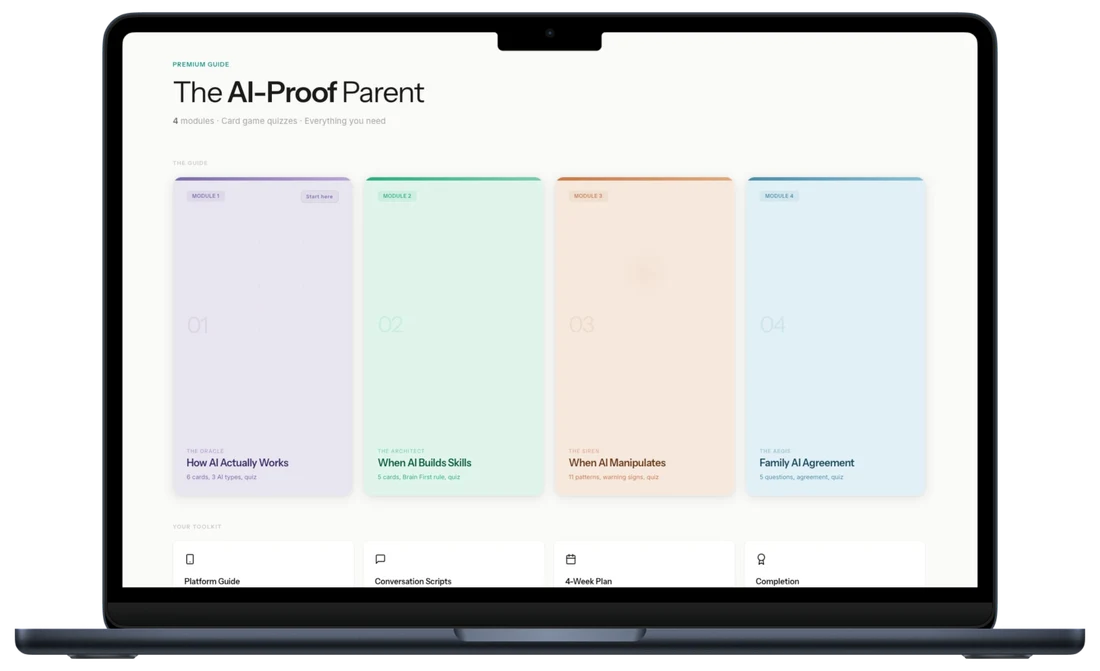
Every social app your child uses is engineered to maximise time spent. This guide breaks down exactly how — and gives you the conversations, the boundaries, and the understanding to change the dynamic.
Want personalised help instead?
The guide gives you the system. A session gives you a plan built around your child, your family, and your specific situation. One call. 45 minutes. Everything changes.
Your Questions Answered